
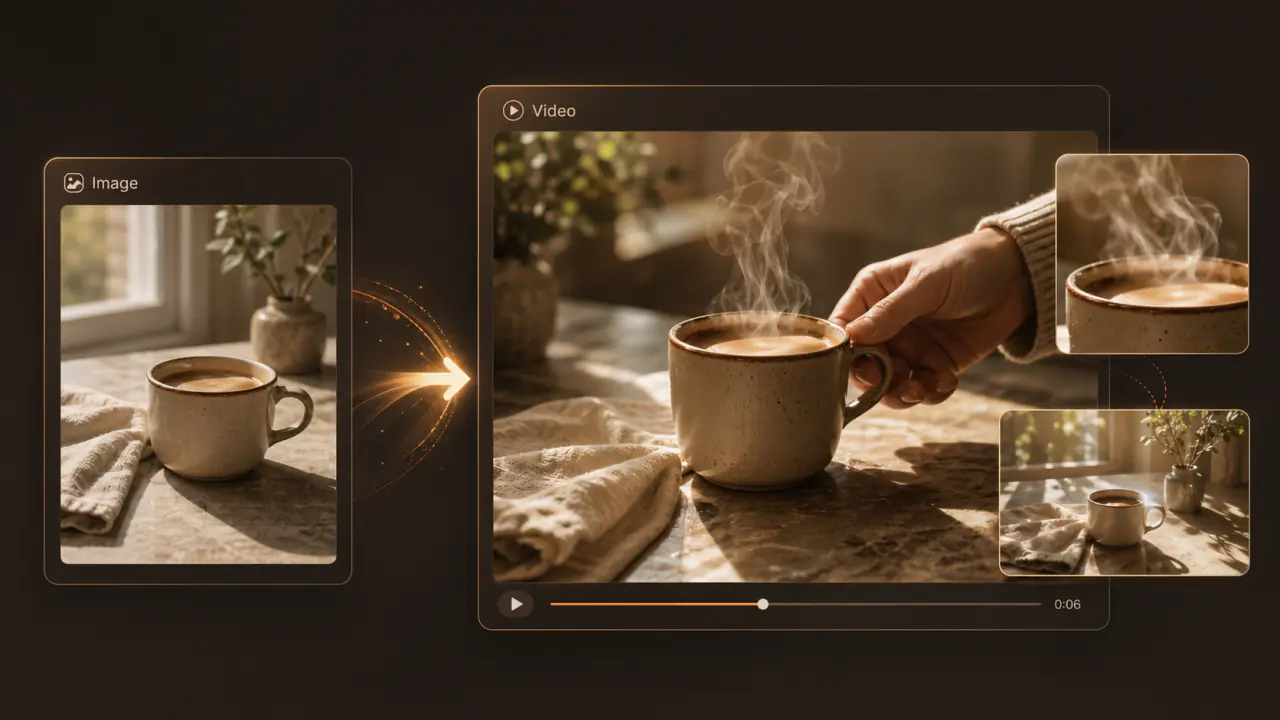
 Image to Video
Image to video
Upload an image and describe the motion to animate your scene.
Describe the scene, action, and camera motion.
Explore different approaches to movement, camera motion, and visual style.
Write a prompt → choose a model and settings → generate → review and download.
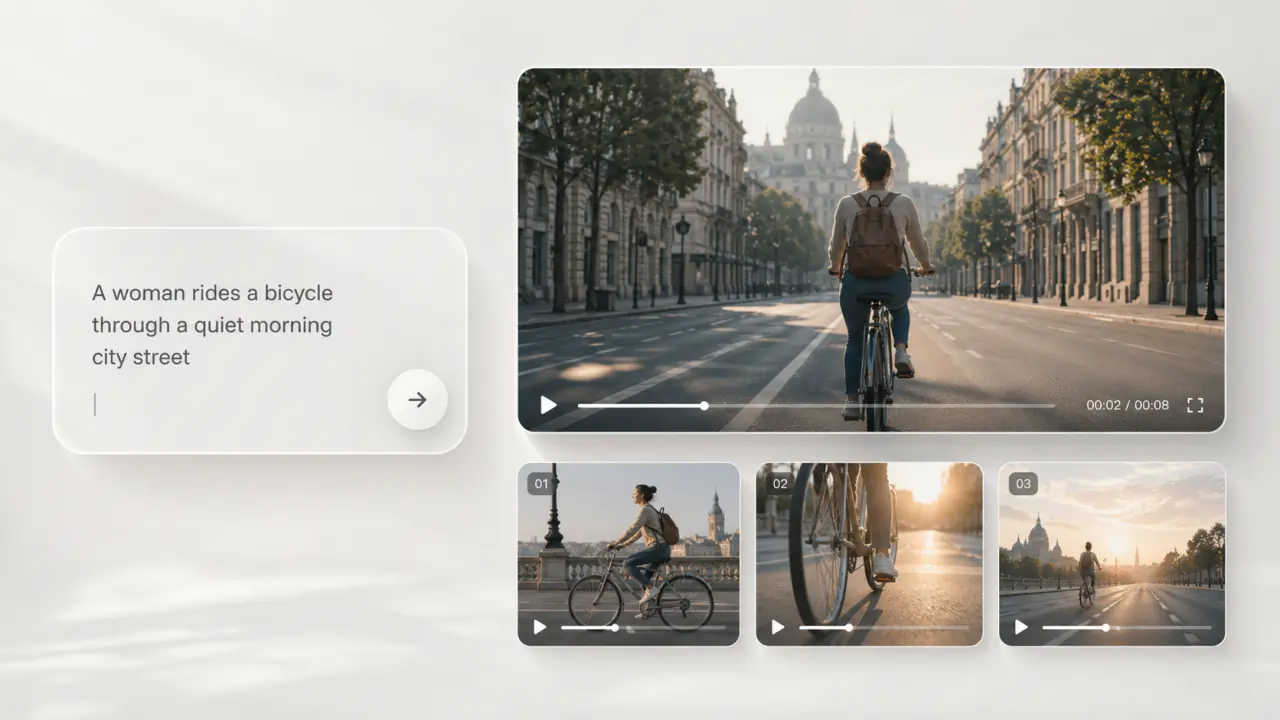
Try the same prompt with different models. Compare movement, visual texture, and camera motion, then refine your direction.
Choose an aspect ratio, duration, and resolution for your intended use. Available settings and combinations depend on the model.
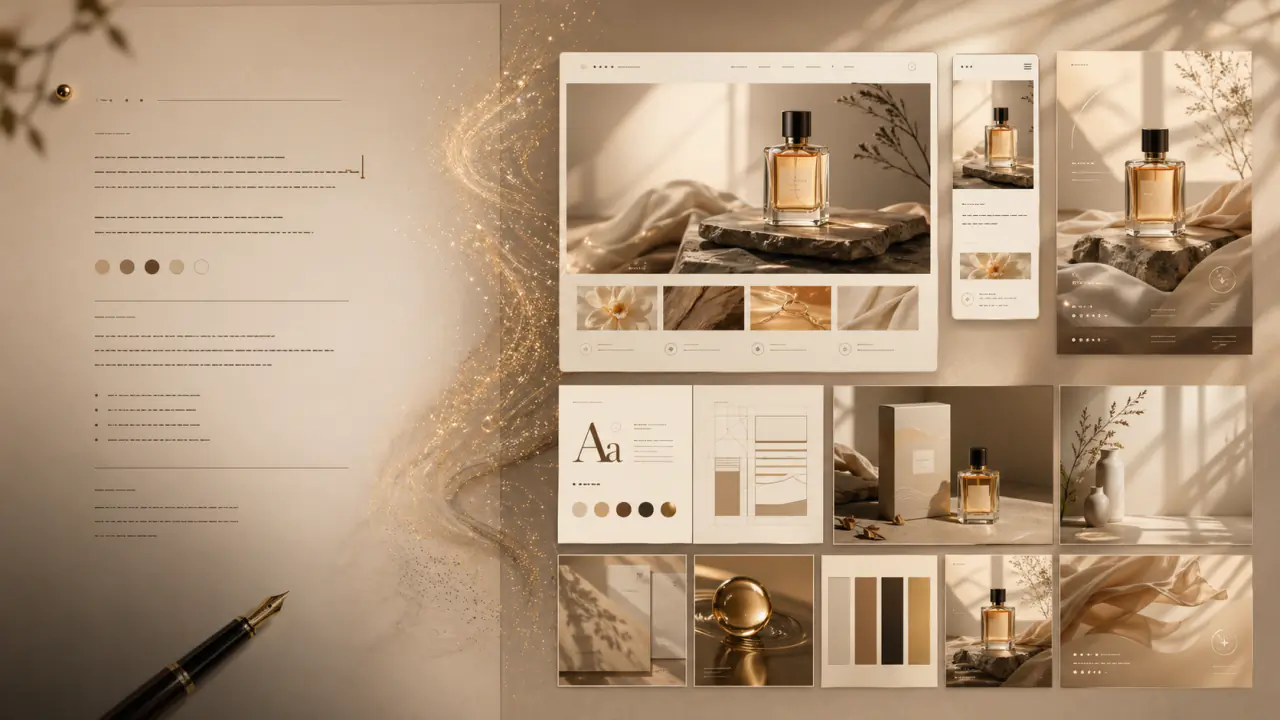
Explain how the subject moves, how the camera follows, and the lighting and mood of the scene.
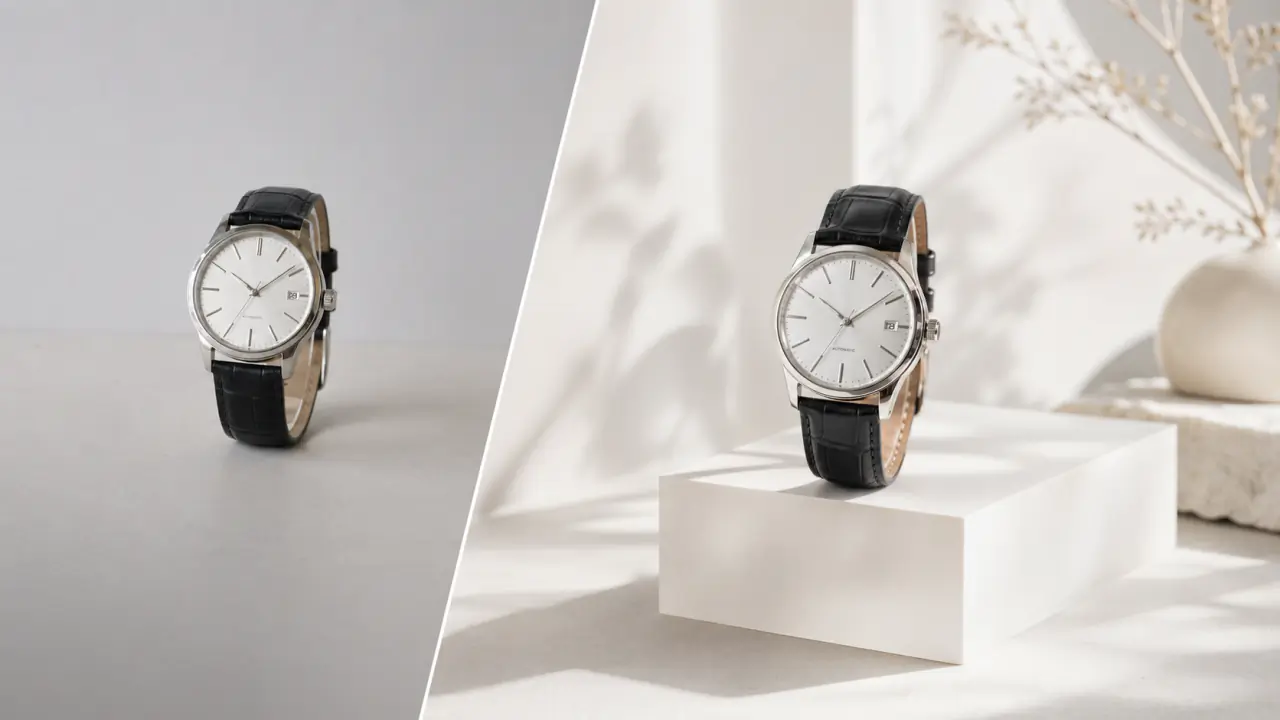
Review movement and key details, then adjust your prompt for another attempt. Check the estimated credit cost before submitting and download the completed result.
Create videos from references, or explore your scene as an image first.
Using prompts, models, and video generation settings.
Text-to-video creates scenes and movement from a written description. Image-to-video adds a reference image so you can start with an existing character, product, or scene.
Include the subject, action, scene, camera motion, and style. For example: “A corgi runs along a beach at sunset, low-angle tracking shot, soft warm light, realistic style.” Start with one clear action and add detail gradually.
Choose models such as Seedance 2.5, Seedance 2.0, Veo 3.1, and Kling 3.0 in the generator. Supported inputs and output settings vary by model; check the available options there.
Try short-video openings, product showcases, scene concepts, ad ideas, and story clips. Split complex stories into separate shots, generate each clip, then edit them together.
Yes. After you choose a model, the generator shows its supported durations, aspect ratios, and resolutions. Available ranges and combinations vary by model.
This depends on the model and audio settings. Audio-capable models can generate dialogue, ambient sound, or effects. Check the model’s capabilities and settings before submitting.
Credit usage depends on the model, duration, resolution, and other settings. The generator shows the estimated cost before submission. See the pricing page for plans and credit details.
Review movement, subject details, and camera motion. Remove conflicting instructions and refine your prompt one change at a time. Use image-to-video when you want to specify a starting image.