
Can make covers without coding, generate multiple images at once, just pick and choose.

David Chen, Freelance Designer
David Chen
Freelance Designer
Bring your ideas to life with AI images and videos.
These videos illustrate features. Explore the inspiration gallery for public case assets, settings and sources.
Illustrative feature demo
Connect two reference images to create a new scene.
Explore public casesChoose image and video models for your creative needs.
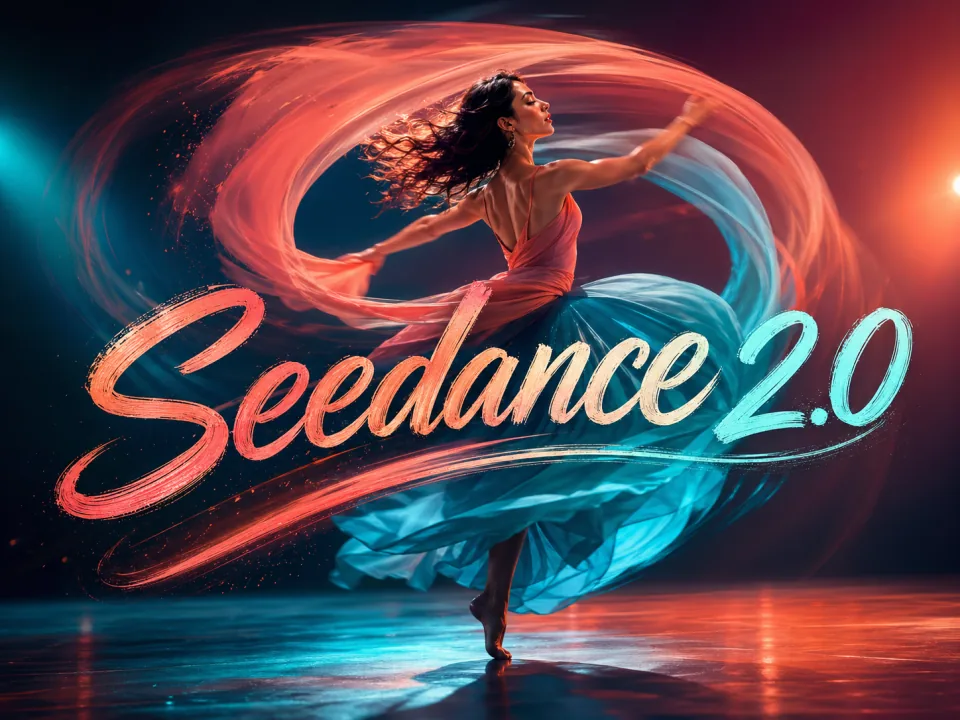 New
NewCharacter motion and video generation
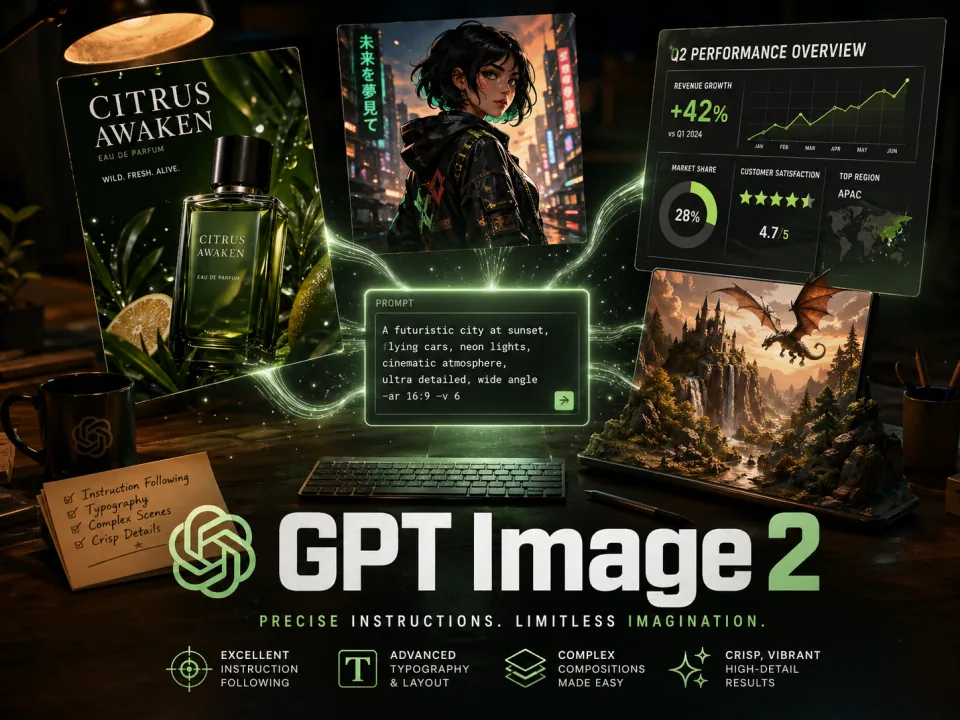 Hot
HotText rendering and image editing
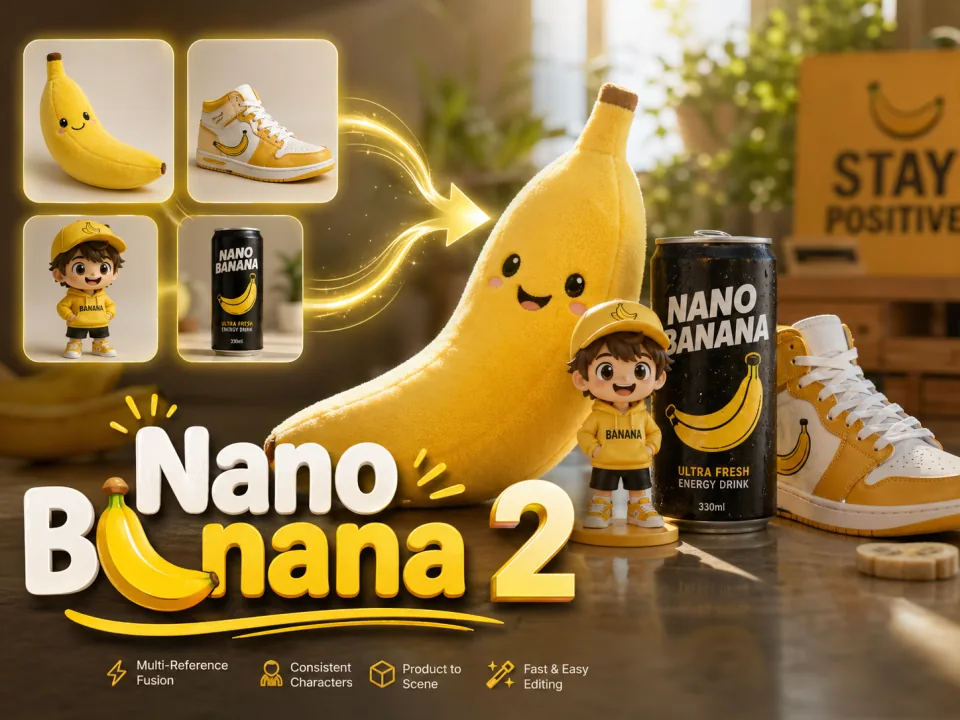
Multiple references and style control
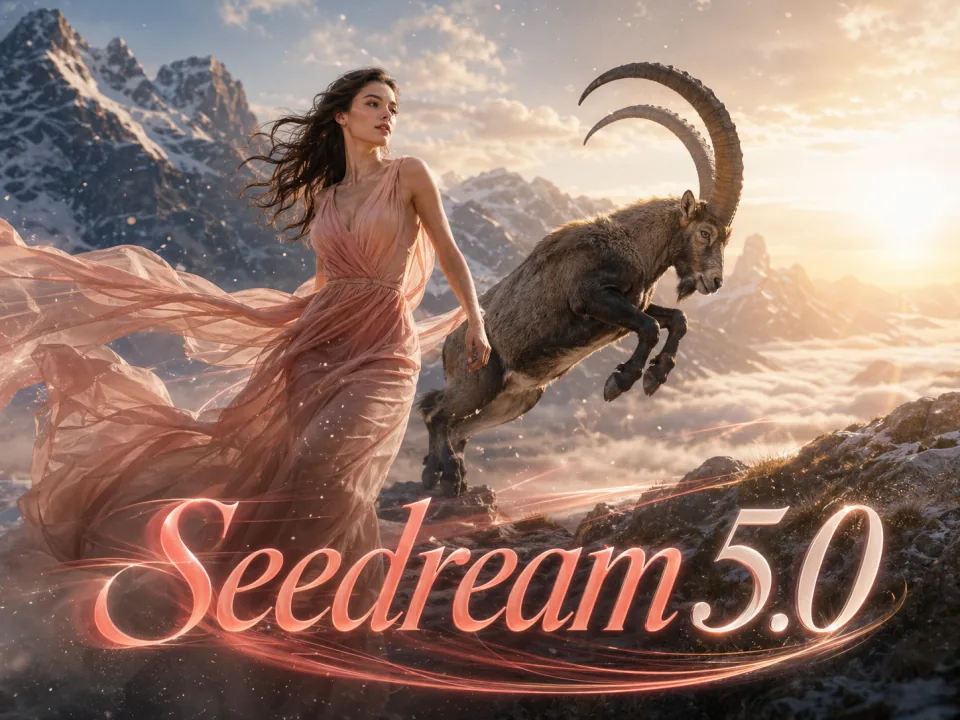
Realistic images and lighting
High-resolution images and detailed editing
 New
NewVideo and audio generation
Character motion and camera control
Generate, edit, and explore styles in one workspace.
Explore photography, illustration, 3D, and pixel art.
Guide content and composition with prompts or reference images.
Compare variations using the output count supported by your model.
Adjust compositions, repair details, or upscale images.
Start with templates for posters, covers, and social content.
Check credit costs before generating and choose a plan that fits.
Real creation experiences.
Can make covers without coding, generate multiple images at once, just pick and choose.
David Chen
Freelance Designer
Templates ready to use, create social media content with trending styles, faster than outsourcing.

Rachel Kim
Beauty Blogger
Making product screenshots and marketing images is so easy, generate and tweak a bit then launch.

Marcus Thompson
Indie Developer
Album covers done in minutes, style experimentation costs very little.

Sofia Garcia
Musician
Batch output then upscale, fast and HD, marketing materials can launch the same day.

James Wilson
Entrepreneur
Product images and posters can both be generated, costs much less than hiring a designer.

Anna Zhang
Shop Owner
One-time credits never expire. Subscription credit validity is shown in each plan. Model capabilities and credit costs vary by model.
Learn about models, costs, and getting started.
Check the selected model’s credit cost in the generator before generating. Visit the pricing page for plan details.
Sign in to manage your creation history, credits, and subscriptions. Generation capabilities depend on the selected model and settings, without plan-tier restrictions.
Pro and Ultimate plans grant commercial usage rights with downloadable compliance notes. Free-tier images are limited to personal, non-commercial use.
Not by default. Ultimate plan enables full privacy mode — uploads, prompts, and outputs are never used for training and never enter the public gallery.
You can write prompts in English or Chinese. Describe the subject, scene, and style clearly.
Browse the image and video models available in the generator and choose one for your task.
No. Failed jobs are refunded in full automatically, and credits are immediately available.
Generation time depends on the model, output settings, and queue. Track progress in the generator.
Resolution options vary by model. Check the available settings in the generator.
You can use PixZoo in your mobile browser.
Need more details? Add WeChat XLG861.
One-time credits never expire. Subscription credit validity is shown in each plan. Model capabilities and credit costs vary by model.
Seedance 2.5 720P from just $0.06/sec
Members save up to 50% · 53% fewer credits
Billed $83.88/year — save $84 vs monthly
Includes
2,880 credits per year (240/month), valid for 365 days
Supported models
Billed $335.88/year — save $336 vs monthly
Includes
19,200 credits per year (1,600/month), valid for 365 days
Supported models
Billed $839.88/year — save $840 vs monthly
Includes
72,000 credits per year (6,000/month), valid for 365 days
Supported models