
 Text to Image
Describe a subject, scene, and style to create a new image.
Upload a reference. Describe your changes.
Pick a model for your creative goal and explore different results.
Upload an image → describe your changes → choose a model → generate and download.
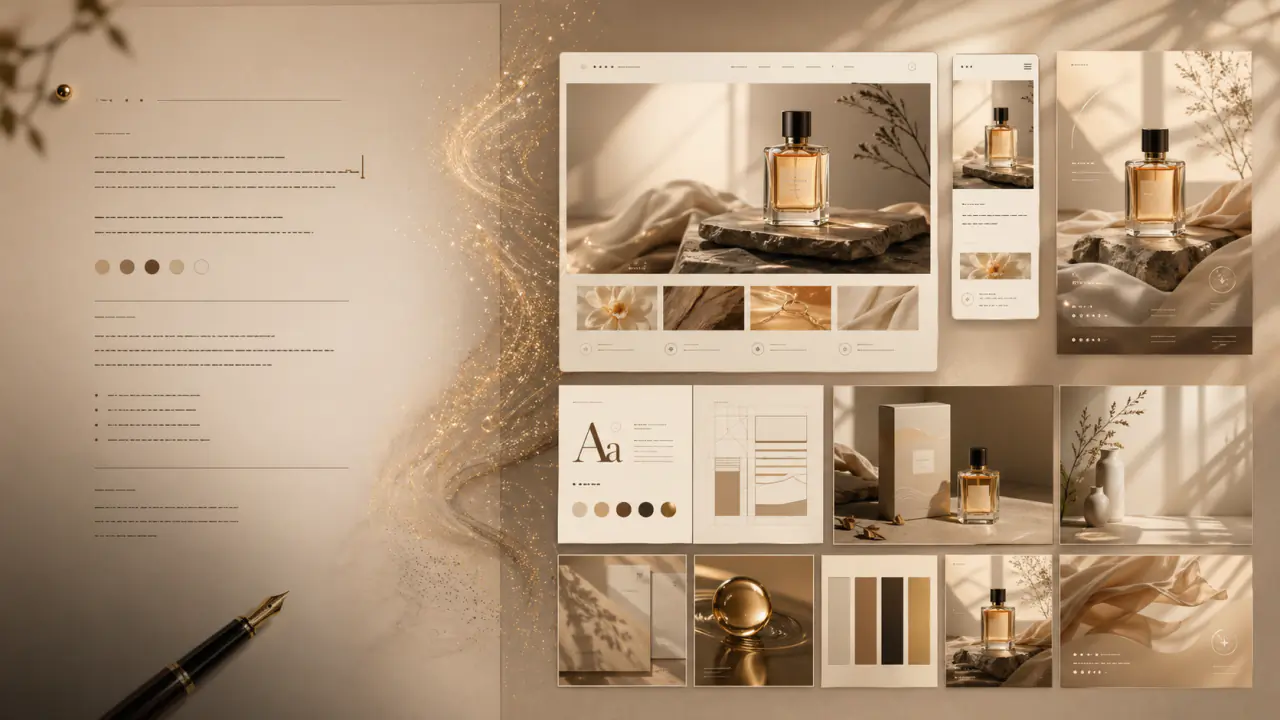
Choose a portrait, product, or poster template. Upload your image and adapt the prefilled prompt to your goal.
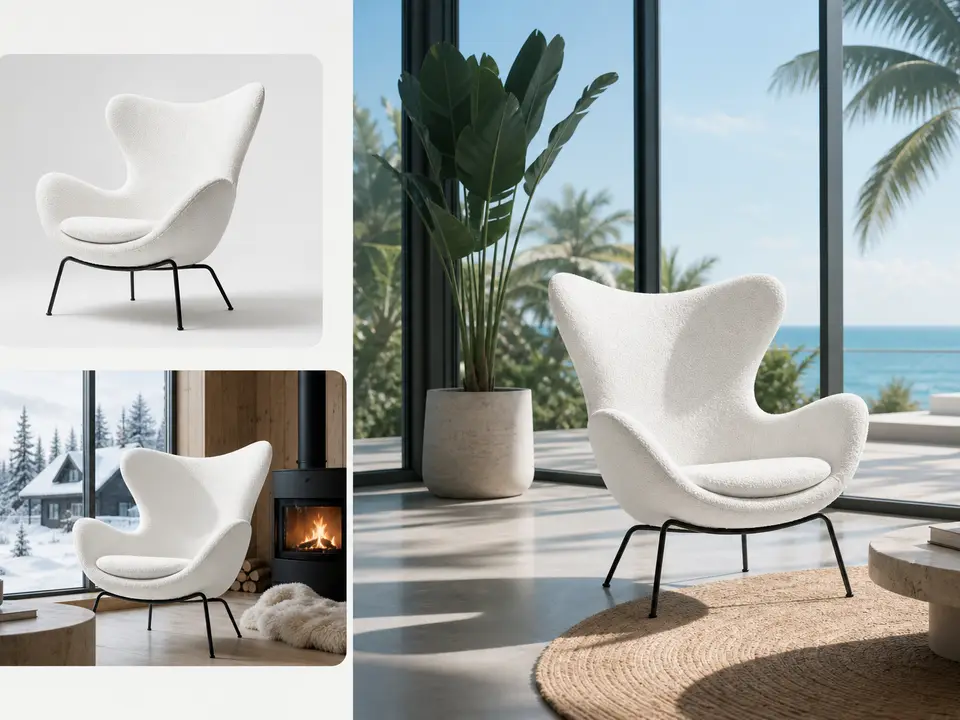
Keep a person, product, or composition while exploring backgrounds, materials, lighting, and styles. Describe the details you want to retain.
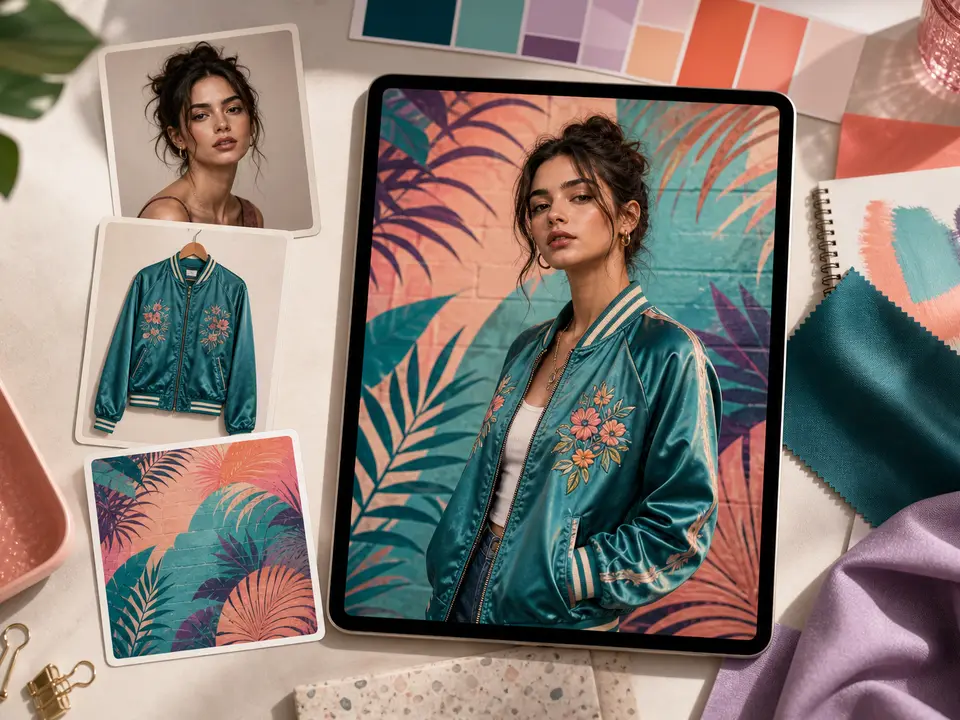
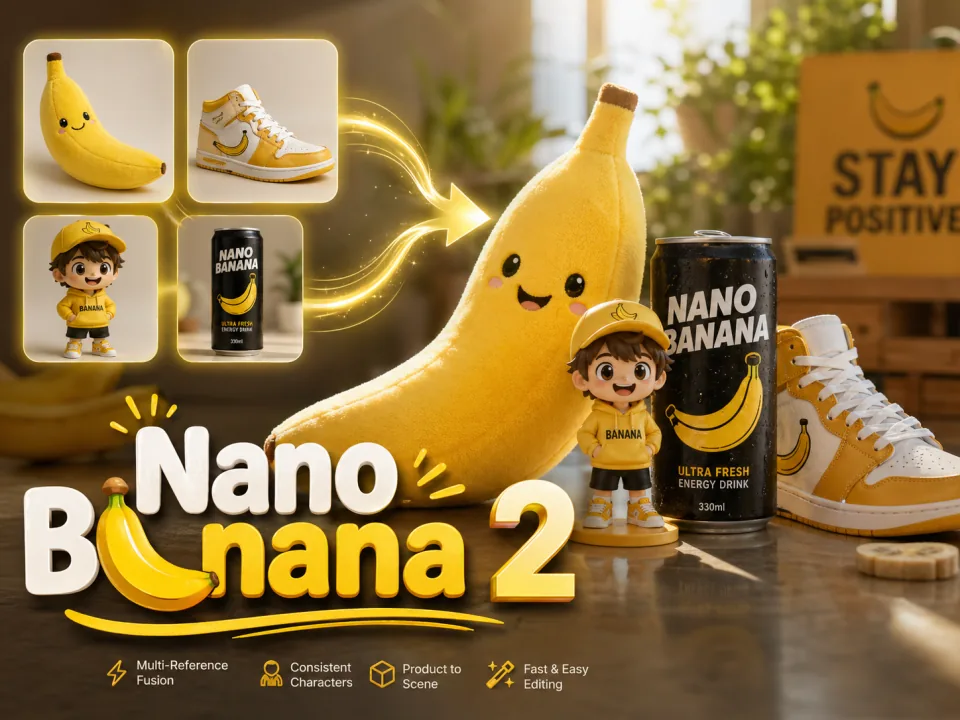
Upload separate references for a person, outfit, product, or scene and explain each image’s role. Reference limits depend on the selected model.

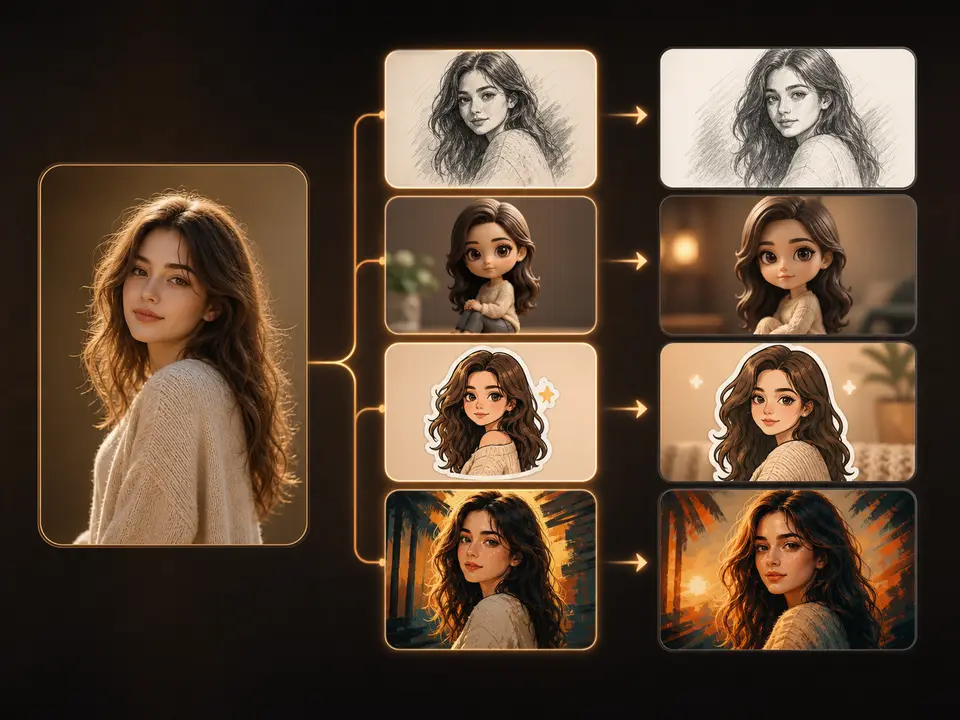
Try new backgrounds, styles, and aspect ratios with the same reference to create avatars, social covers, product images, or ad visuals.
Create images from text or turn an existing image into a video.
Using reference images, prompts, and generation settings.
Text-to-image uses a written description. Image-to-image adds visual references, helping you build on an existing person, product, composition, or style.
First state what should stay the same, then describe your changes. For example: “Keep the person’s facial features and pose. Replace the background with light gray and use soft studio lighting.”
Try portrait restyling, product backgrounds, lighting adjustments, poster variations, and compositions using multiple references. Use the image editor for precise local adjustments.
Check the selected model’s limits and supported formats in the generator. When using multiple references, describe each image’s role in your prompt.
Use clear, unobstructed references and specify the facial features, outfit, product shape, or brand colors to retain. Review the key details after generation and refine your prompt as needed.
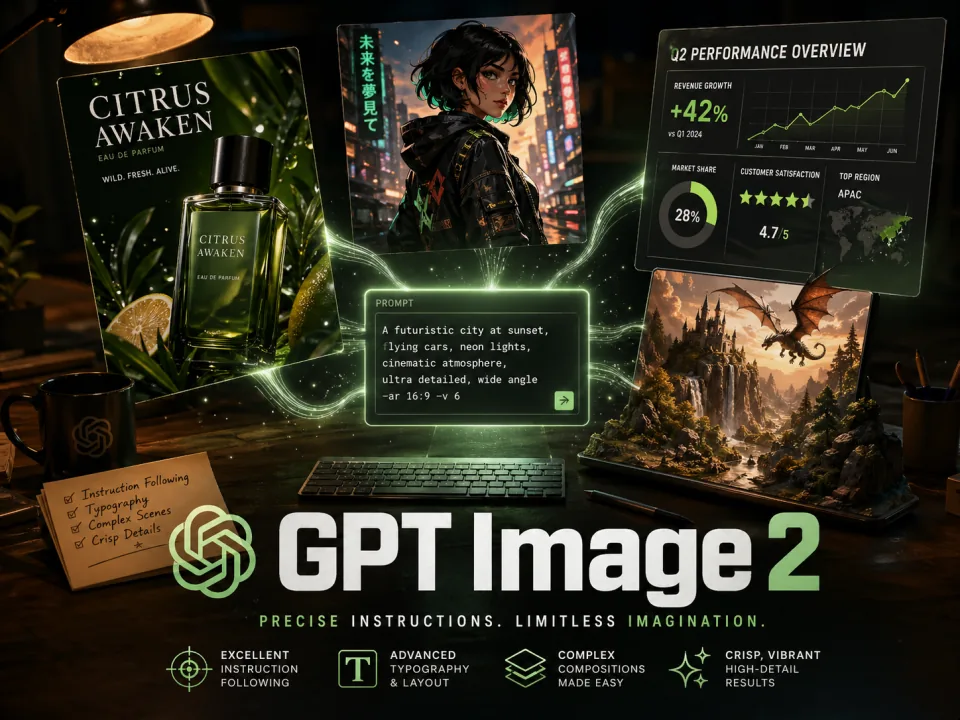
Choose reference-capable models such as GPT Image 2, Nano Banana 2, Nano Banana Pro, and Seedream 5.0 in the generator. Available models and settings are shown there.
Credit usage depends on the model, output settings, and image count. The generator shows the estimated cost before submission. See the pricing page for plans and credit details.
Download the result or use it as a reference for another generation. Use the image editor for local changes, or image-to-video to create motion.