
 Text to Video
Text to video
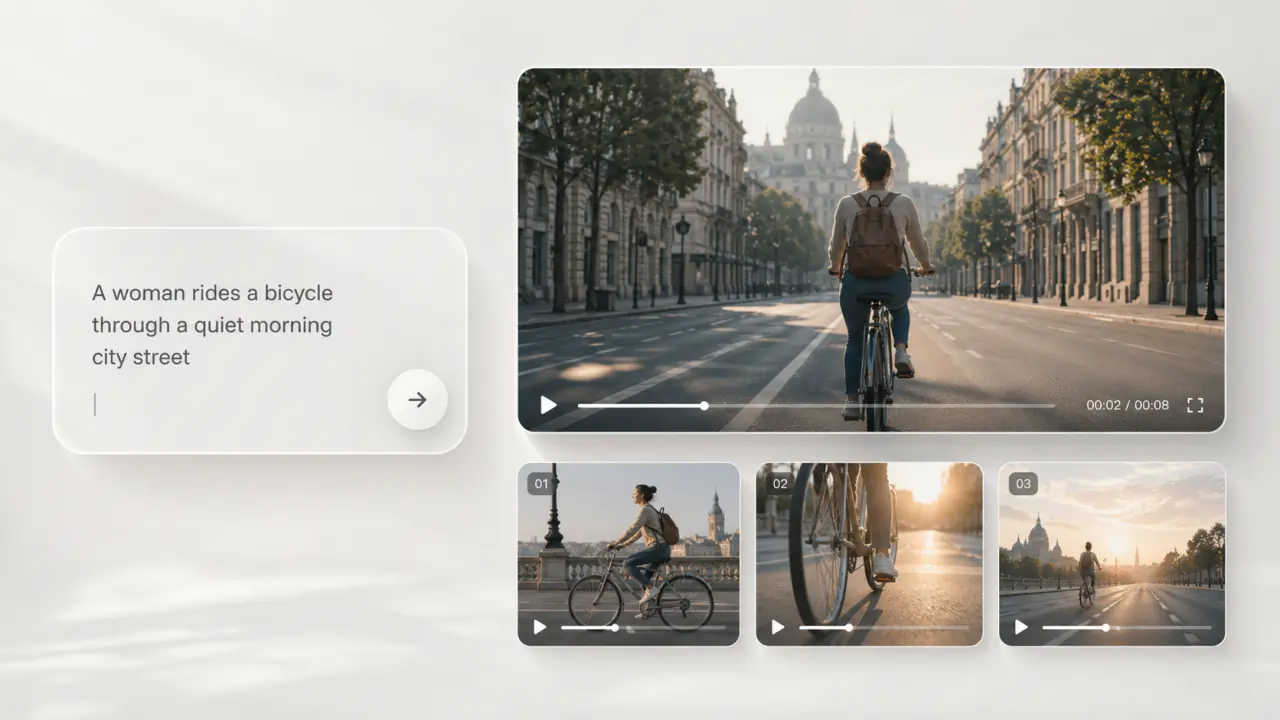
Write the script as a prompt and ship a 4–15s clip with camera moves and audio.
Upload an image. Describe the motion.
Run the same reference image across multiple models and pick the cut that fits your script.
Keep the look of the source; let the model add motion, interpolation and audio around it.
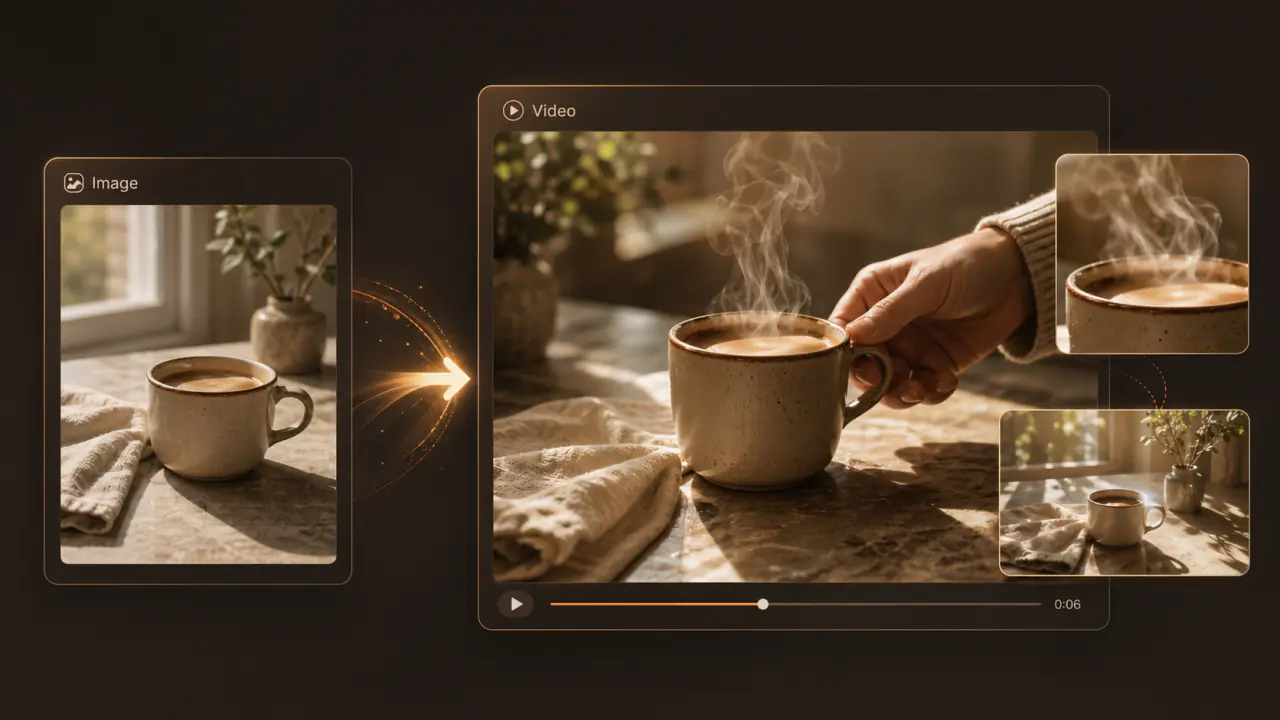
Upload a product photo, portrait or scene. The model infers a believable motion direction and renders a 4–15s clip.
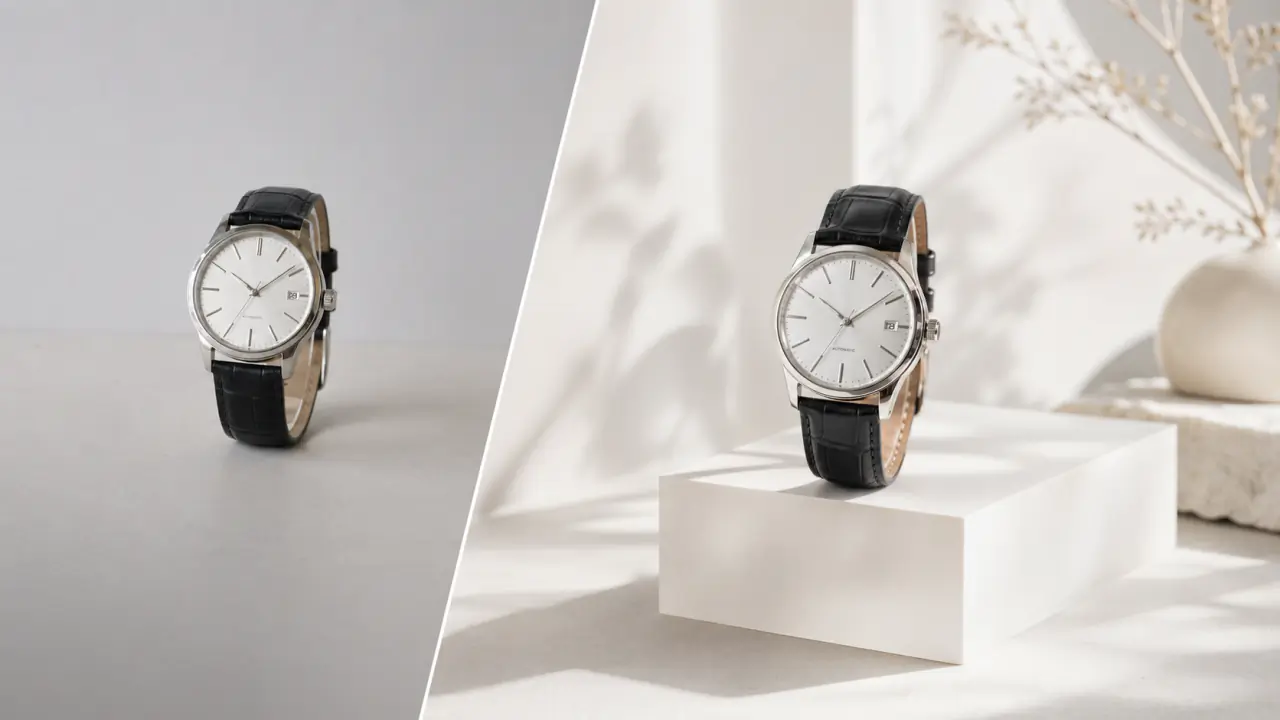
Faces, logos, copy and brand colors are kept consistent through the run, so identity does not drift.
Send the same image to Seedance / VEO / Kling at once and pick the camera and pacing closest to your intent.
Rejected, timed out or network-hiccup runs refund credits automatically; Pro outputs ship with commercial rights.
Take the same image into text-to-video, text-to-image or image-to-image.
Text to VideoWrite the script as a prompt and ship a 4–15s clip with camera moves and audio.
Text to ImageSend the same description to image models for a high-res still.
Image to ImageUpload a reference and restyle, swap backgrounds or subjects while keeping composition and light.
Everything about image-to-video.
You upload a still image. The model infers motion direction, interpolates frames and produces a 4–15s clip.
It reads the subject and scene structure, infers plausible motion (character action, camera move, wind/water/light dynamics) and fills in frames. Your prompt can further pin down camera language or details.
E-commerce hero clips, brand intros, product demos, social voiceovers, concept films, turning static posters into motion — all valid use cases.
Center the subject, keep the background clean and write subject action, camera direction (push / pull / pan / dolly) and pacing (fast / slow) into the prompt for the best consistency.
Seedance 2.0 and PixZoo Video Pro keep text, logos and brand colors more stable. Prefer them when identity fidelity matters.
Today: Seedance 2.0 (three tiers), VEO 3.1 (standard and fast), Kling 3.0 and PixZoo Video Pro. New models are added regularly.
Pro unlocks every video model and the higher quality tiers. Ultimate adds priority queue, early access to new models and full privacy mode.
Outputs from Pro and Ultimate plans ship with commercial rights; free outputs are limited to personal, non-commercial use. Failed runs refund credits automatically.