
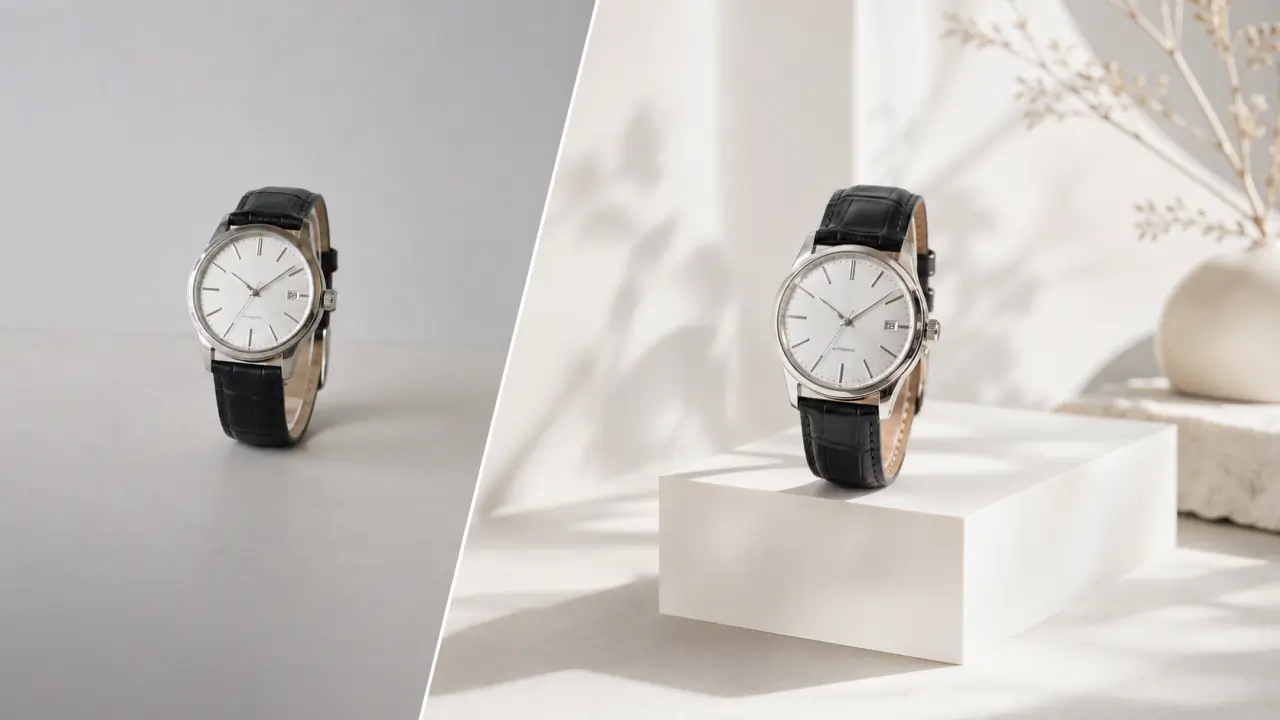
 Image to Image
Upload a reference, restyle / re-character / re-background while keeping composition and lighting.
Describe a scene. Create an image.
Switch models with a dropdown. Pick by prompt, scene, or visual style — no juggling accounts.
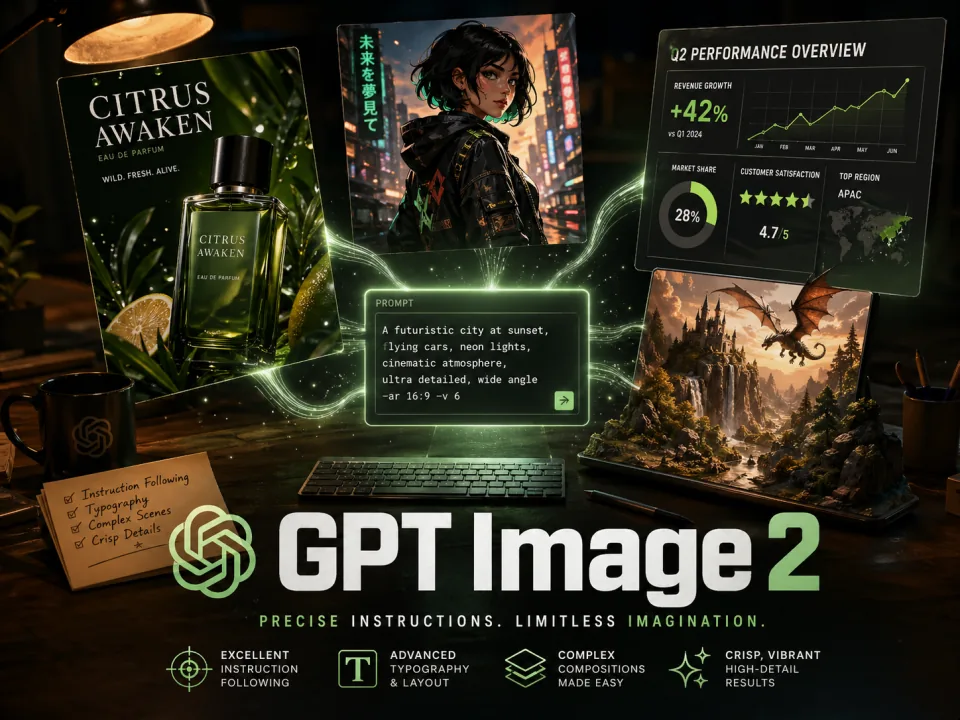 Hot
Editor's pick · long-prompt fidelity, crisp readable in-image text
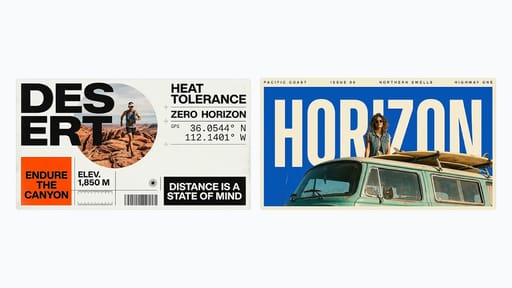 New
Available now · 1K–4K generation and editing with up to 14 references
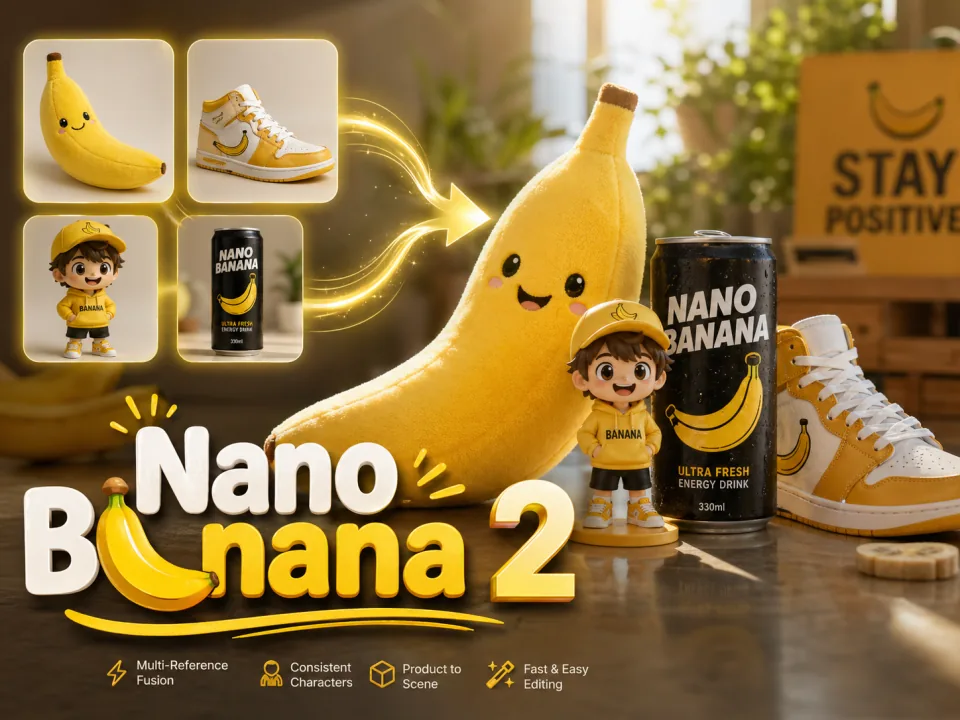
Gemini 3.1 Flash · fastest model, most flexible style control
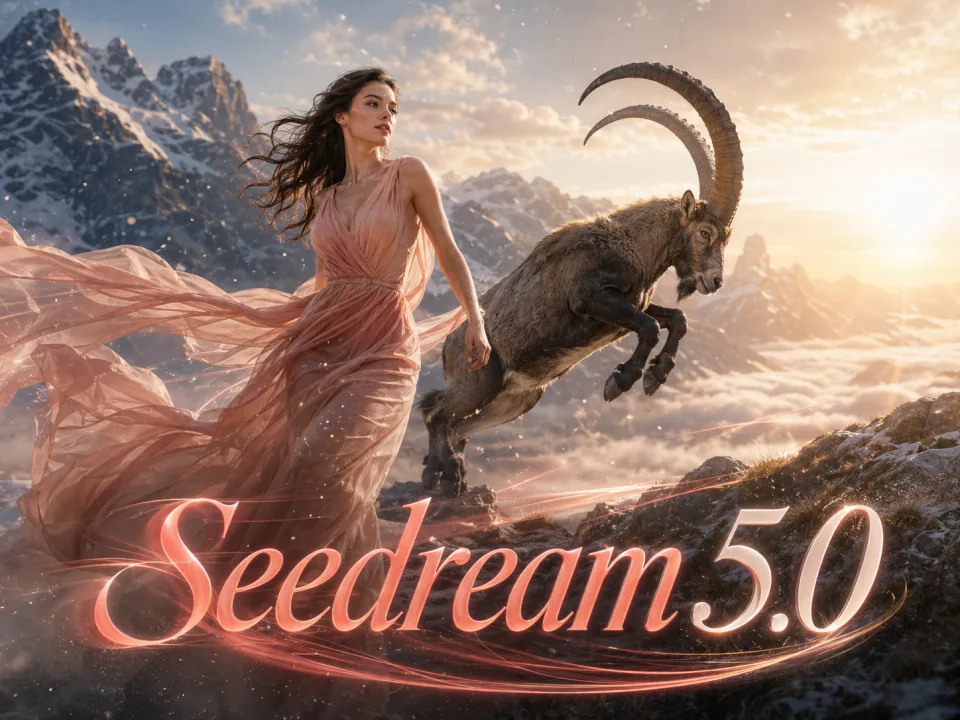
ByteDance Seed · cinematic photorealism with dramatic lighting
End-to-end workflow: prompt → multi-model generate → refine → export.

Every generation returns four candidates so you can compare composition, color, and expression before committing.

Send the same prompt to GPT Image 2, Nano Banana 2, and Seedream 5.0 to find the direction closest to the image in your head.

Logos, posters, menus, and social cards keep their typography intact — no more wrestling with garbled AI lettering.

Posters, product shots, social avatars, blog covers, deck visuals — common sizes and aspect ratios in one tool.
Take the same prompt further — into image-to-image, text-to-video, and image-to-video.
Image to ImageUpload a reference, restyle / re-character / re-background while keeping composition and lighting.
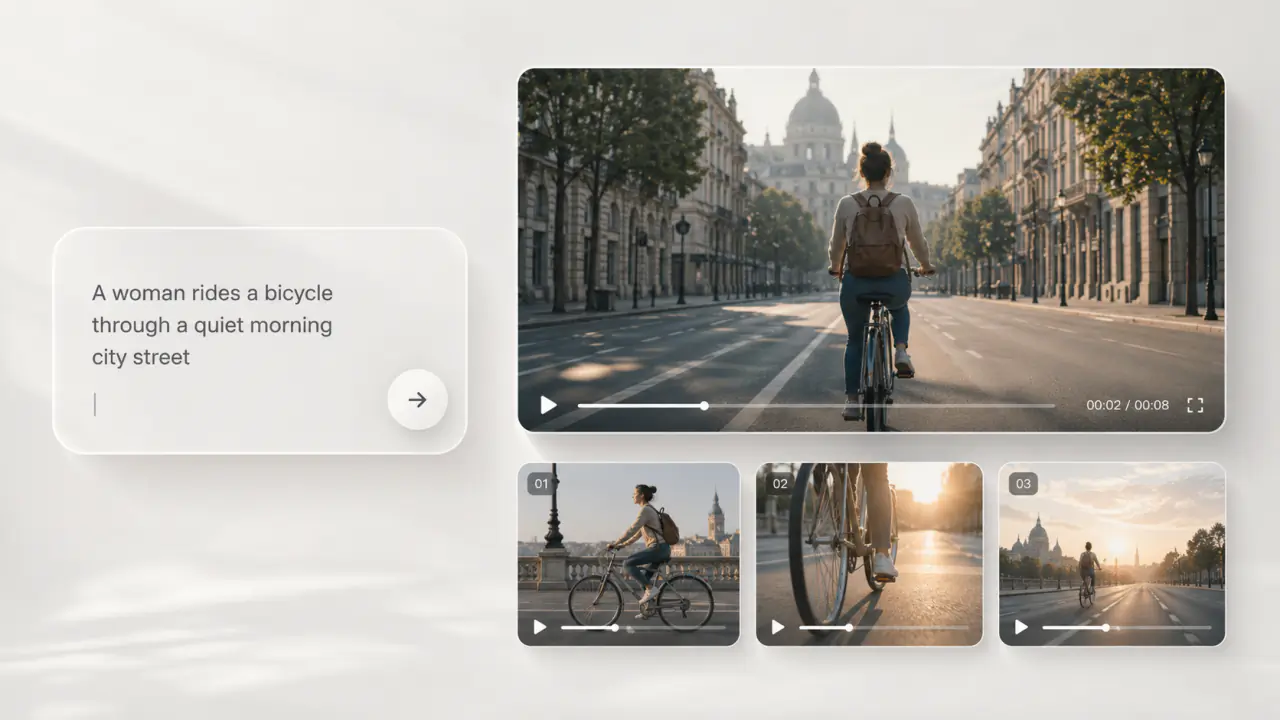 Seedance 2.0
Turn the same prompt into a 5–10s clip with smooth motion and natural camera work.
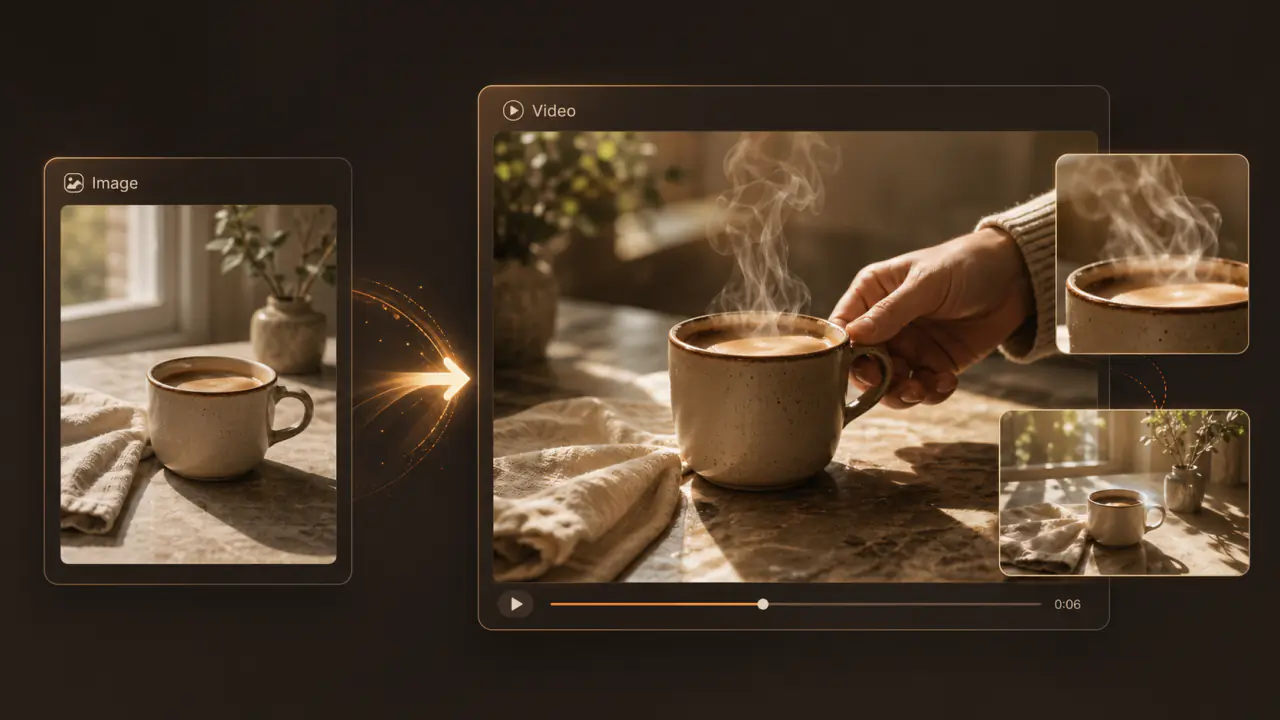 Veo 3.1
Bring a single still to life — native audio, 4K output, cinematic realism.
Everything about text-to-image, answered.
Check the selected model’s credit cost in the generator before generating. Visit the pricing page for plan details.
Sign in to manage your creation history, credits, and subscriptions. Generation capabilities depend on the selected model and settings, without plan-tier restrictions.
Yes — all models natively understand English, Chinese, and mixed prompts with no manual translation.
Yes. Type the prompt once, then switch between GPT Image 2 / Nano Banana 2 / Seedream 5.0 to compare four candidates side by side.
Pro and Ultimate plans grant commercial usage rights. Free tier images are limited to personal, non-commercial use.
You won't be charged — credits are refunded immediately on failure.
Default output is 1K. 2K and 4K are available, with lossless upscaling to 8K for paid users.
Not by default. The Ultimate plan enables full privacy mode — your prompts and generations are never used for training.